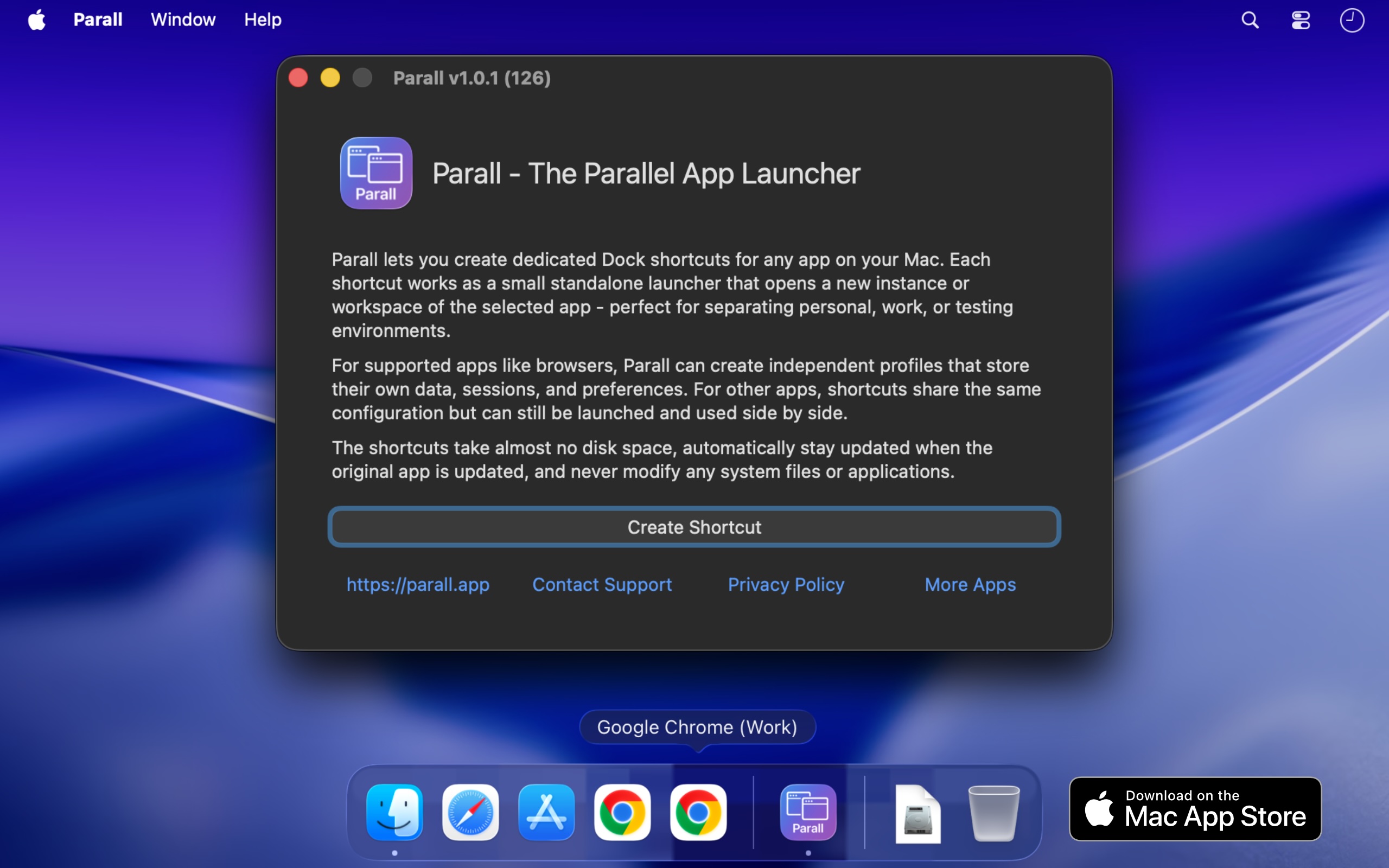
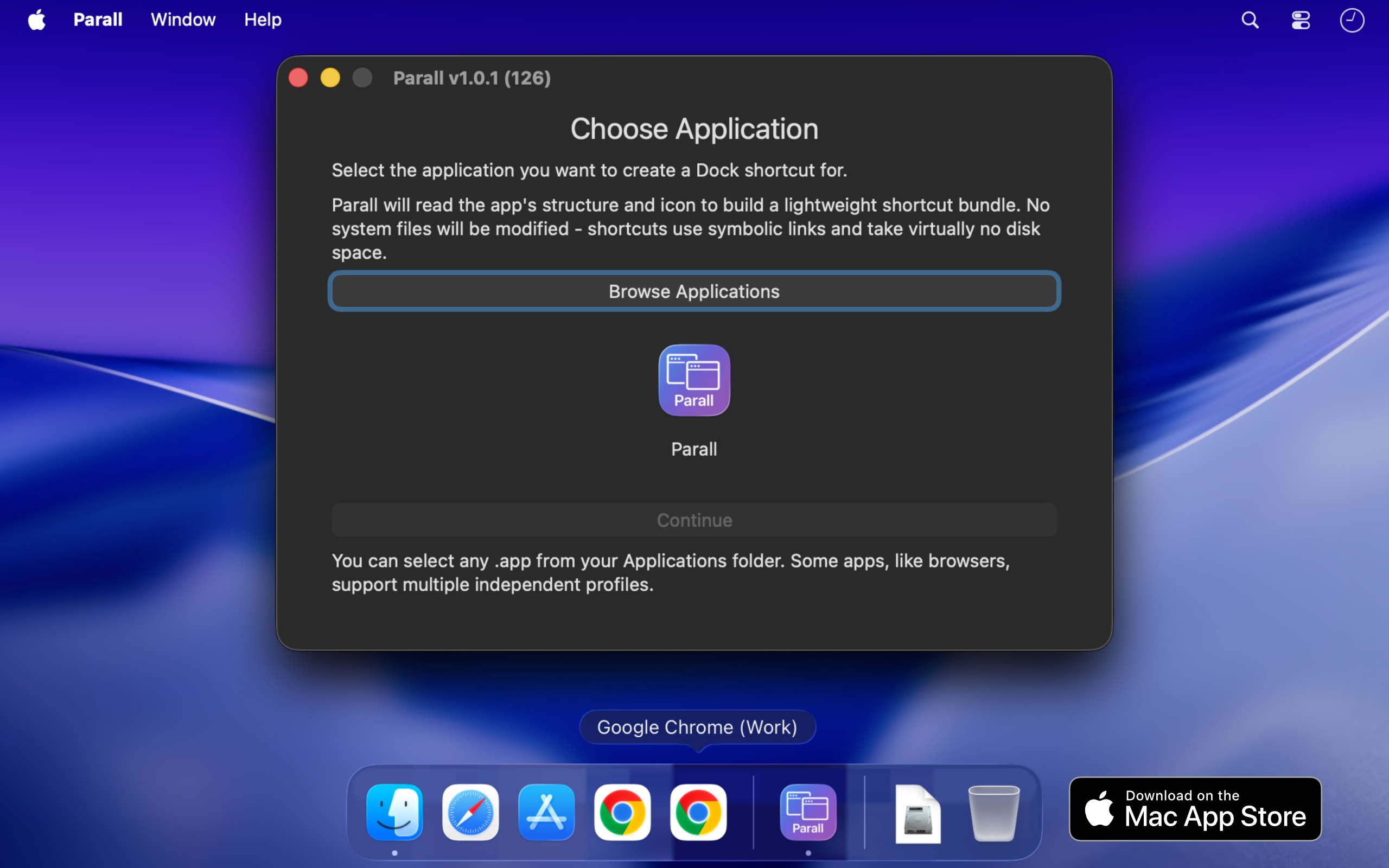
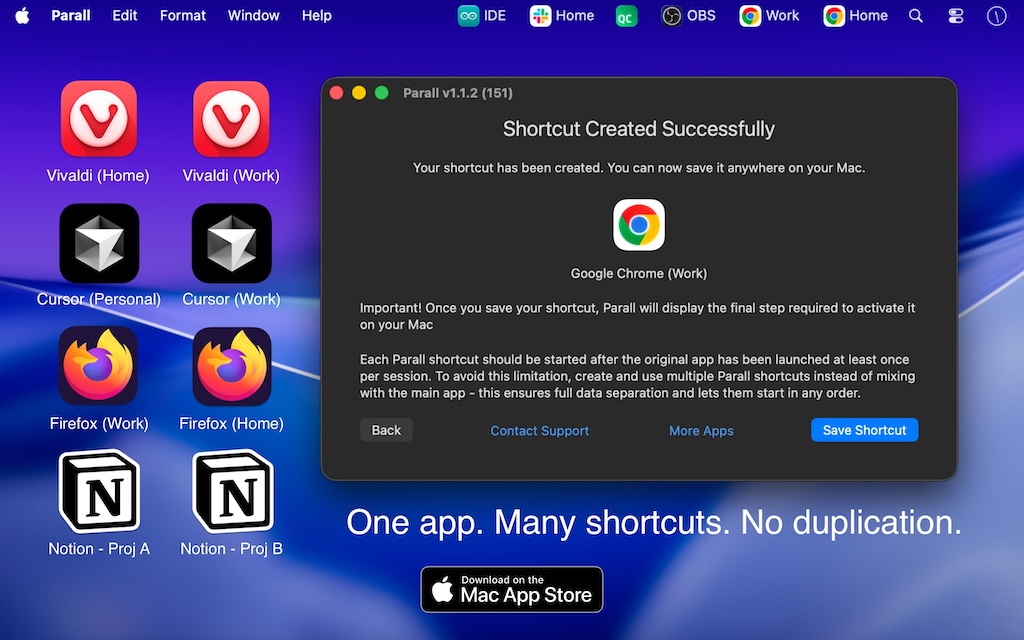
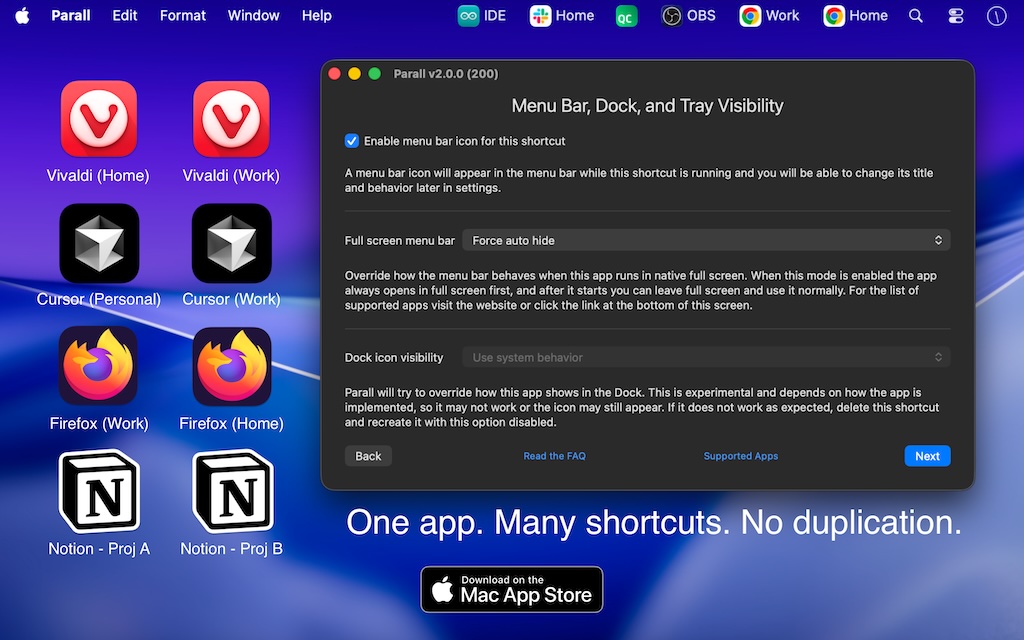
Running multiple instances of the same app on macOS has always been a challenge. Parall solves this by creating independent app shortcuts that launch separate copies with their own data and settings-no scripts, no hacks, no background services. Parall is the first macOS app to make this possible natively and safely.
Parall supports automatic data isolation for all Chrome-based, Firefox-based, ToDesktop-based apps, and the majority of other non-sandboxed apps via the advanced HOME redirection feature. For the detailed and up-to-date list of compatible apps, visit parall.app/compatibility/.
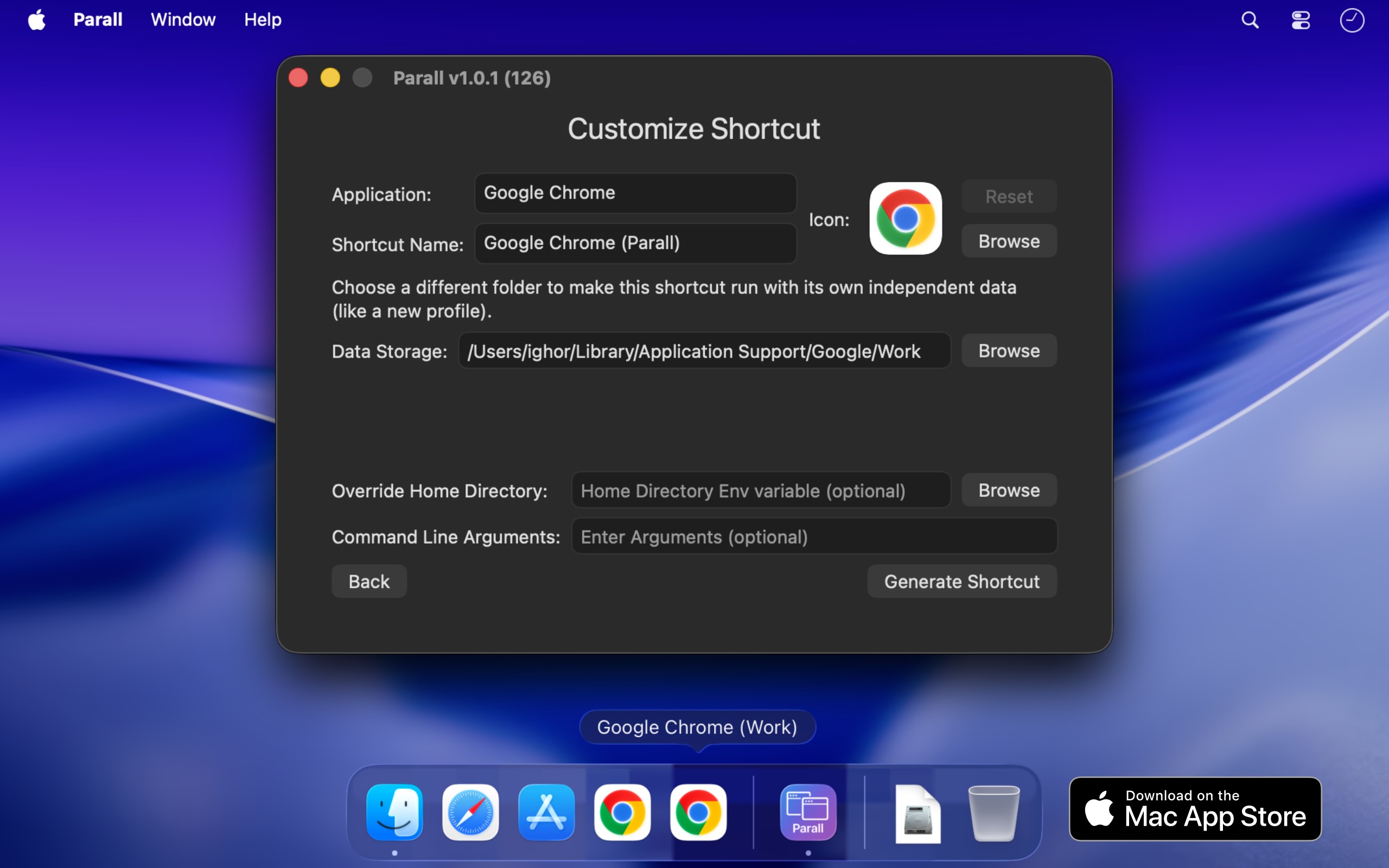
Even when multi-instance mode isn’t needed, you can still use Parall to create a shortcut that adds custom command-line arguments or overrides environment variables (including HOME) to control behavior, select profiles, or redirect data paths. The HOME override builds a container-like structure while preserving essential macOS links for compatibility.
Define custom environment variables applied only to that shortcut - perfect for fine-grained configuration, debugging, or per-project setups. Parall also supports the Arduino IDE, allowing you to run separate development environments with different toolchains, boards, and libraries side by side.
For educational labs and classrooms, Parall can automatically erase a shortcut’s redirected data storage when the shortcut quits. This makes it easy to start each session from a clean state for student experiments, without manual cleanup.